01 / 03
Give your scene a direction.
An image sets the scene. A few words suggest how it could move.
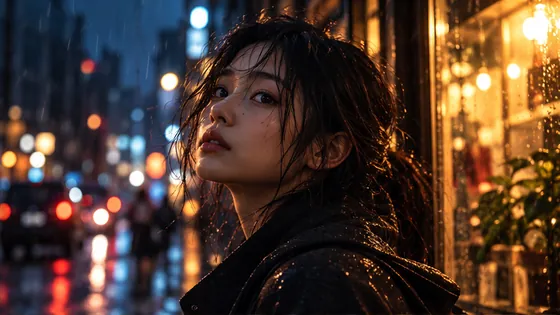
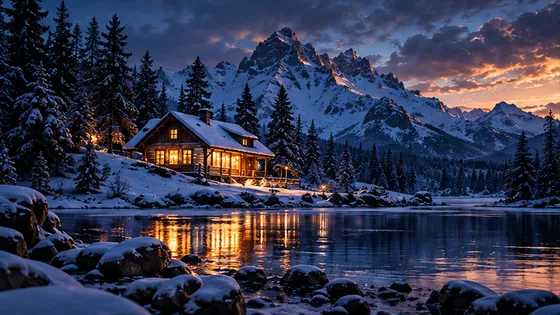
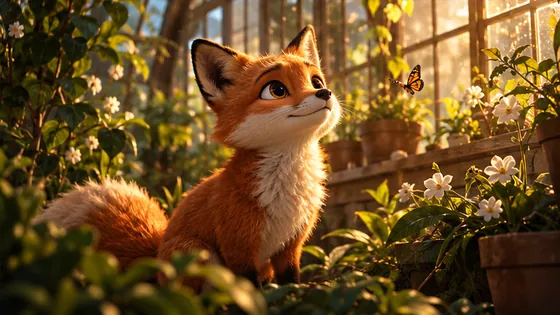
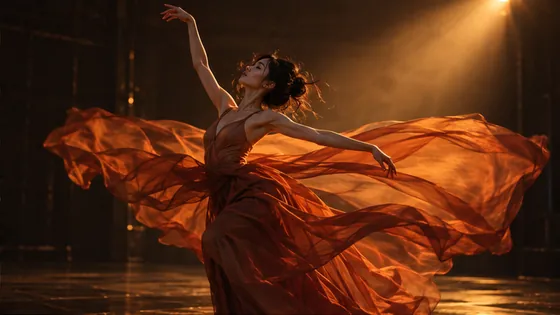
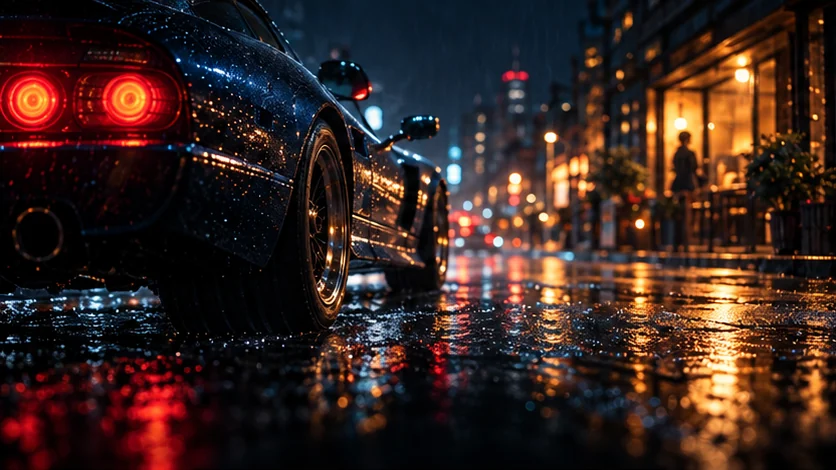
Illustrative stills with optional camera animation. These are not generated video results.
From a spark of an idea to a scene that feels like you.
AI generation is coming. Help shape what comes next.
Explore the examplesA few directions. Endless starting points.
A direction, not a blank page
Explore the Shotcut AI video generator concept. Start with a scene, find its mood, then imagine the movement.
01 / 03
An image sets the scene. A few words suggest how it could move.
Illustrative stills with optional camera animation. These are not generated video results.
Shotcut AI tools, imagined around your idea
Explore three starting points for Shotcut video creation. The examples show the direction; your feedback helps decide what we build.
A different mood. The same starting point.
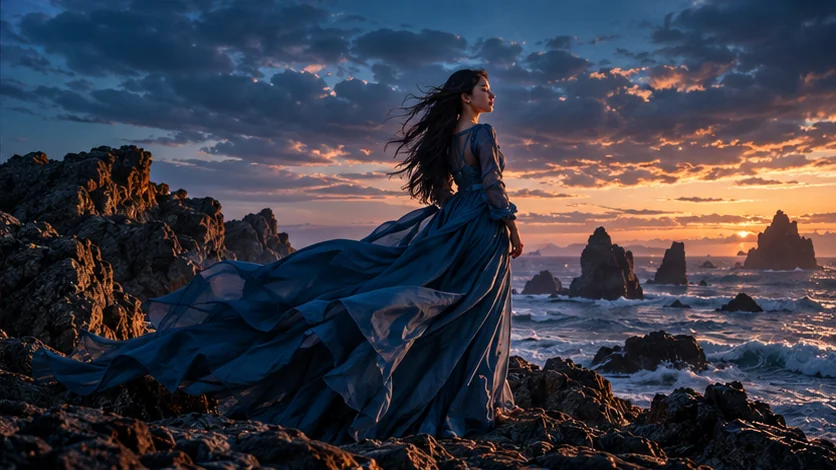
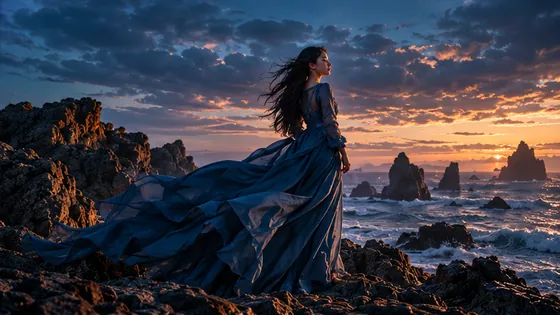
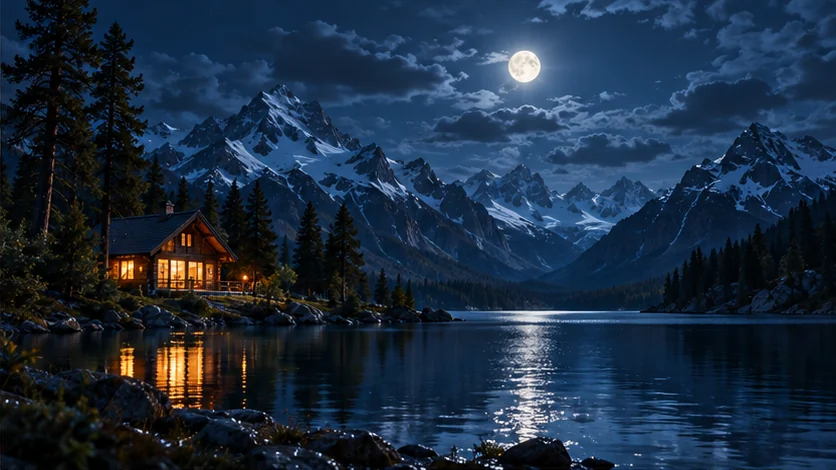
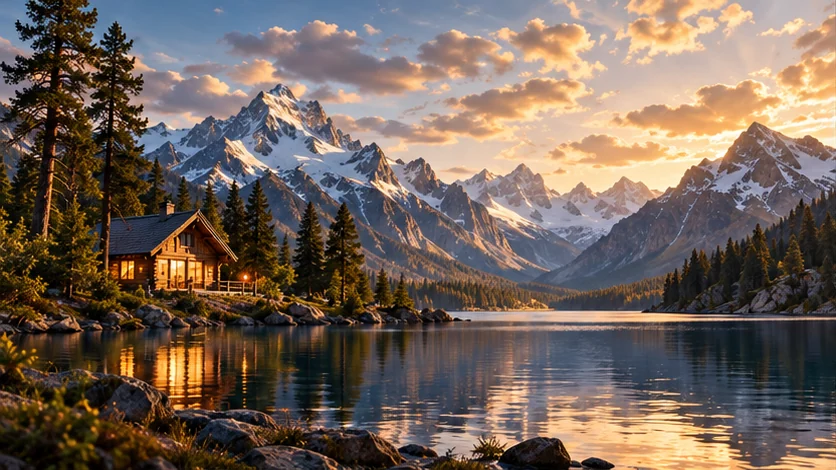
Shotcut AI editing starts with a specific change. Compare two illustrative versions of one scene, then write the direction you would give it.
Original moodA new direction
Drag to compare · Illustrative lighting study, not a live video edit
The first version of a scene is often a starting point. A compelling image may need a different mood, a quieter background, or a camera direction that fits the story better. Keeping the original idea and the next creative instruction close together can make those decisions easier to express.
The proposed Shotcut workflow follows that process: establish the scene, identify one change, and compare versions. It is designed around short, focused creative decisions. For now, the before-and-after examples help you judge whether this approach matches a task you actually need to complete.
Find your starting point
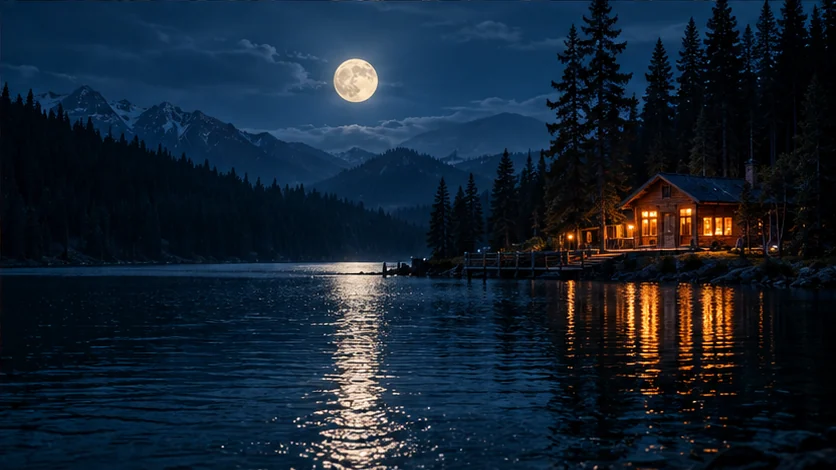
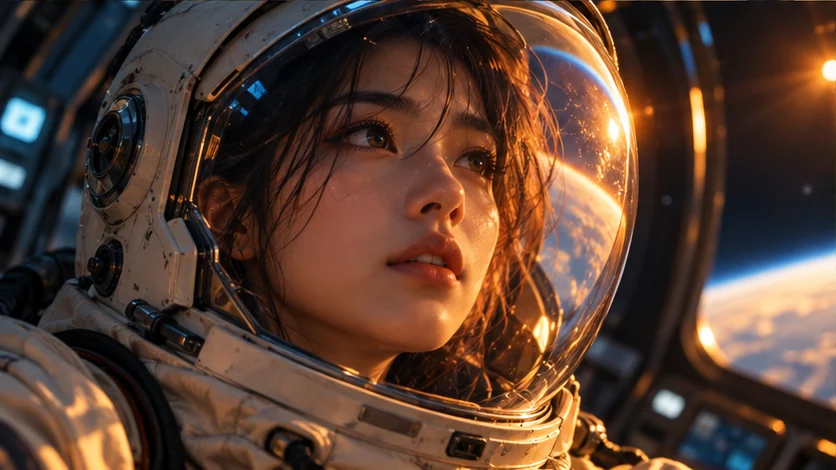
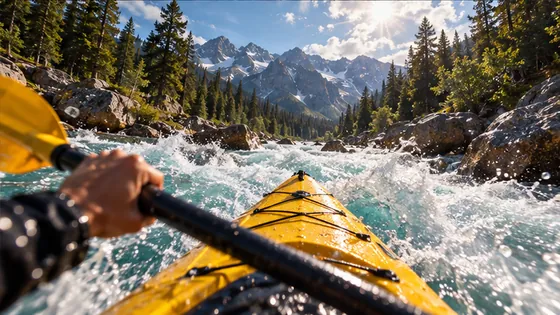
Explore visual references for a Shotcut video: a character, a place, a product, or simply a feeling.


Original AI-created visual references. No user results or customer claims.
What is Shotcut Video?
Shotcut Video is an independent AI video creation and editing project, built around a simple idea: start with something you can describe, then shape it into something you want to watch.
The Shotcut AI direction brings text-to-video, image-to-video and prompt-led video editing into one understandable creative journey. A text brief establishes the subject and setting. An image gives the idea a visual reference. An editing direction describes the next change.
This first release is a place to explore that workflow and tell us what matters to you. You can browse examples, compare illustrative scenes and prepare a prompt. Video generation, uploads and exports are not available yet. The wishlist helps us prioritize real tasks before connecting the production tools.
How to use the Shotcut preview
You do not need a perfect prompt. A specific subject, a little context and a clear next step are enough to start exploring.
Explore a Shotcut text-to-video concept or use an image as a reference. Think about the subject, the setting and the feeling you want the scene to have.
Use the example directions to plan movement, light or atmosphere. Copy a prompt and adapt it to your idea. The comparison shows how a change of mood can alter a frame.
Join the Shotcut wishlist with the task you would like to complete. Your request helps prioritize the creation and editing experience. It does not start a generation or reserve credits.
Who is Shotcut Video for?
These are the creative tasks we are exploring. Tell us which one would make a difference to your work.
Plan a short social video, bring an illustration to life, or explore a visual opening for a story. Shotcut AI examples help you think about movement and mood before committing to a full production.
Imagine a product vignette, a seasonal atmosphere or a different lighting direction. A precise Shotcut video brief can make the creative discussion clearer, even before any footage is generated.
Explore a setting, a character moment or a change of mood. Use the Shotcut AI video editor concept to express which part of a scene you want to change and which part matters most.
A few things worth knowing
Shotcut Video is an independent AI video creation and editing project. This website introduces its intended text-to-video, image-to-video and prompt-led editing workflows through interactive visual examples. The production generation engine has not launched yet.
Not yet. You can explore the examples, preview a camera animation on a still, compare illustrative lighting directions and copy a prompt. The page does not currently upload, generate or export video. Join the wishlist to tell us which capability you need first.
An image provides the visual starting point, while a short description suggests movement, camera direction or atmosphere. Our examples show how to express that idea. They are illustrative images rather than results from a connected Shotcut image-to-video model.
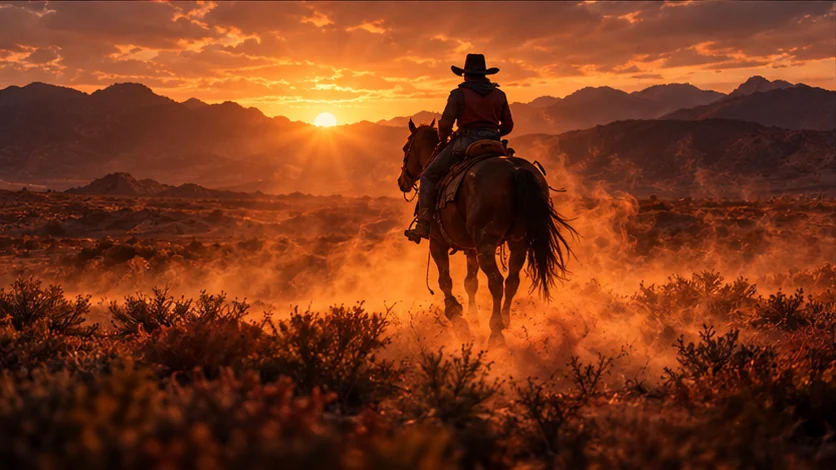
Start with a subject and action, then add a setting, camera movement and lighting direction. For example: “A rider crosses a dusty plain at sunset. A slow tracking shot, warm backlight, a quiet cinematic mood.” Keep the first brief focused so you can refine one creative decision at a time.
The concept is to describe a change to a shot in ordinary language, such as a different background, a cooler mood or a new lighting direction. It is different from manually arranging clips on a timeline. Real editing quality, motion consistency and supported controls will depend on the engine we connect and test.
Browsing this preview, exploring its examples and submitting the Shotcut wishlist are free. We have not announced production pricing, generation credits or a free video allowance. There is no payment or subscription on this page.
There is no media upload on this preview. The images explain a creative direction and are not offered as a commercial video output service. Upload handling, storage, model terms and commercial-use conditions will be specified before production tools launch.
We save your email and the creative task you describe so we can understand demand and, if you consent, follow up about this project. A submission records interest; it does not create an account, verify your email, generate a video or guarantee a release date. Please do not include confidential information.
The next chapter starts with you
A scene you cannot stop imagining. A shot you would love to change.
Tell us. Help shape the tools we build.